Foreword
Many of the “Parent” scripts here are designed so that making variants is exceedingly simple. These scripts are:
EnableSequence
DisableSequence
EventCondition
SequenceEvent
Sequence
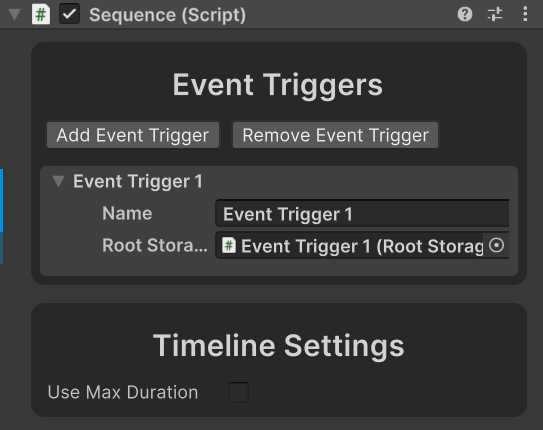
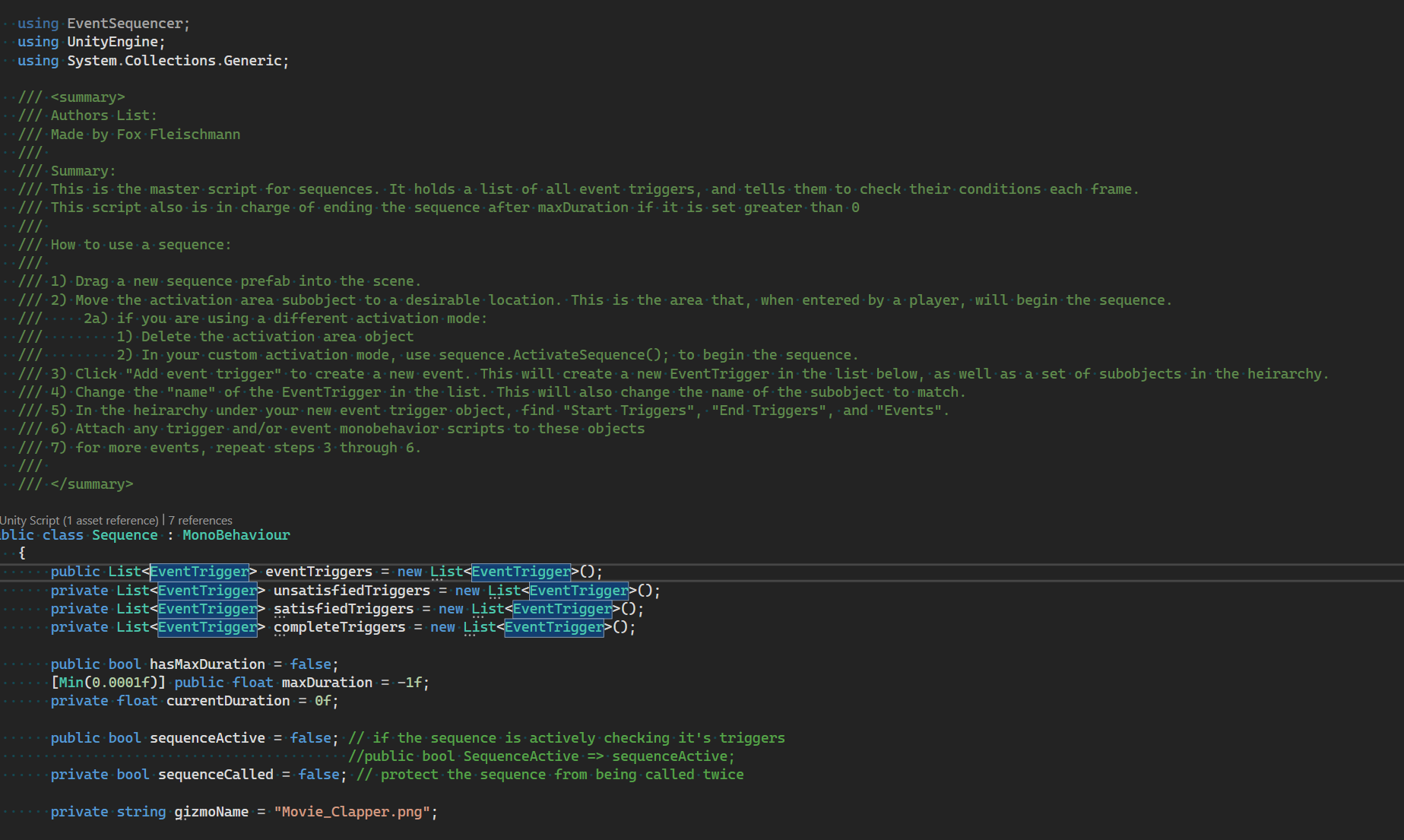
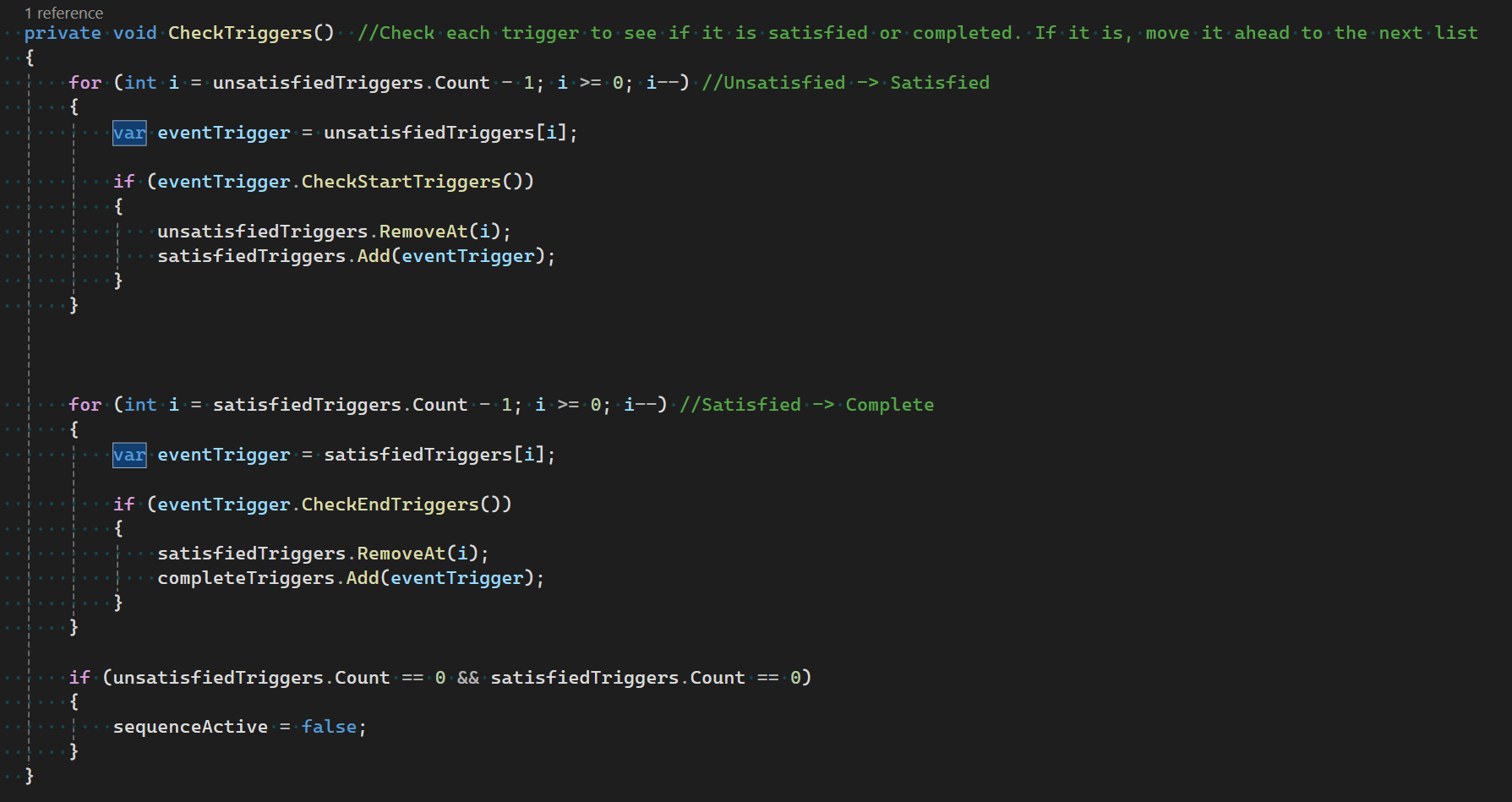
Sequence is the main parent script that manages the EventSequencer functionality. It acts as a timeline, holding each Event Trigger (we’ll get to those later, but they are in charge of manually checking our conditions) and telling them when to check their start and end conditions, as well as telling the Event Triggers when to fire their events. Once all Event Triggers have finished operating their given Events, the sequence will automatically disable itself.
EventTrigger
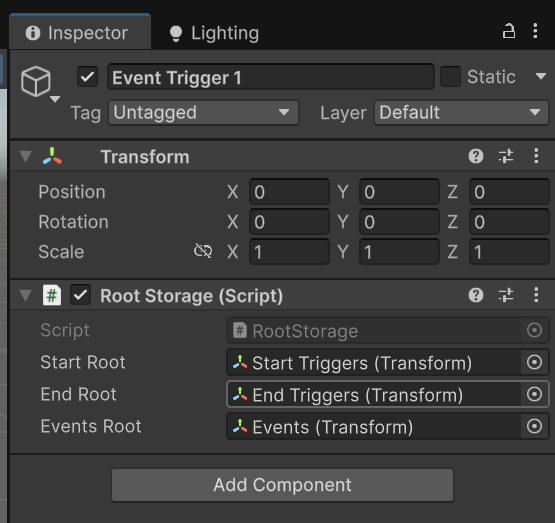
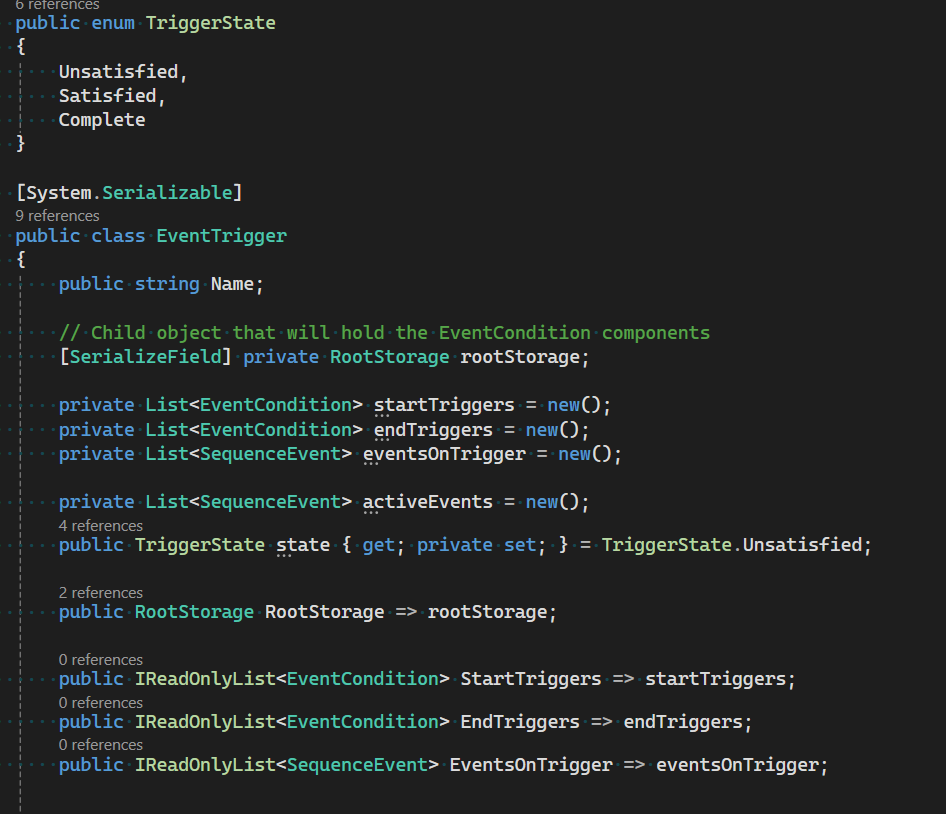
The EventTrigger is in charge of the direct management of each set of event conditions and sequence events. Created when clicking “Add Event Trigger”, each Event Trigger is represented as a child of the Sequence. Within this child object you will find the Root Storage script which keeps a reference of the attached Start Triggers, End Triggers, and Events. The event trigger is in charge of keeping track of these components, and calling them when instructed by the sequencer.
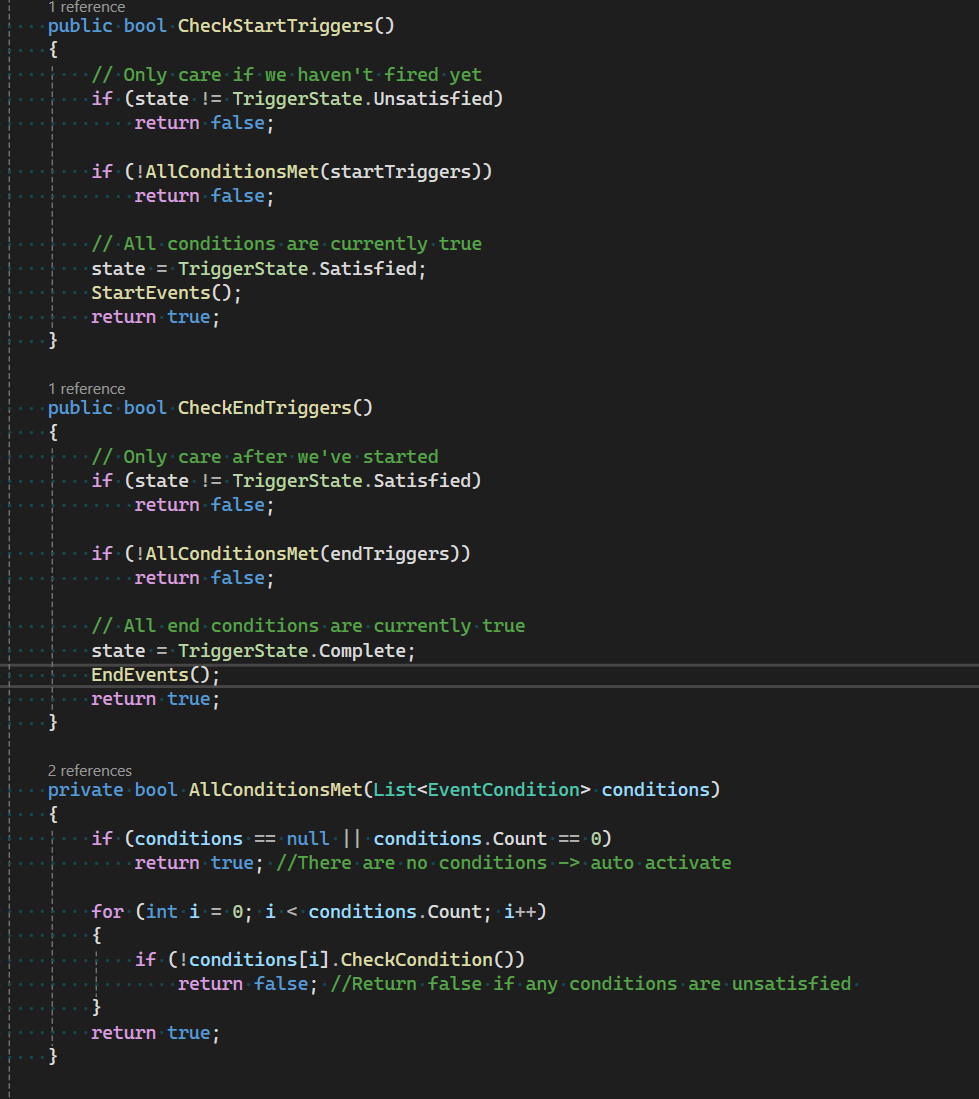
The EventTrigger has 3 states: Unsatisfied (checks start triggers), Satisfied (Checks end triggers), Complete (Inert). Once all EventTriggers are complete, the sequence will end automatically.
The EventTrigger will check its StartTriggers until they are all satisfied, and then will activate it’s given Events. After this activation, the EventTrigger will check it’s EndTriggers until they are all satisfied, at which point it will stop all given events.
Important - If your event requires more than 1 frame to operate (ex. Moving an object), consider using the “OnEventEnded” EventCondition as an EndTrigger to prevent an early halting of the event.
Event Condition
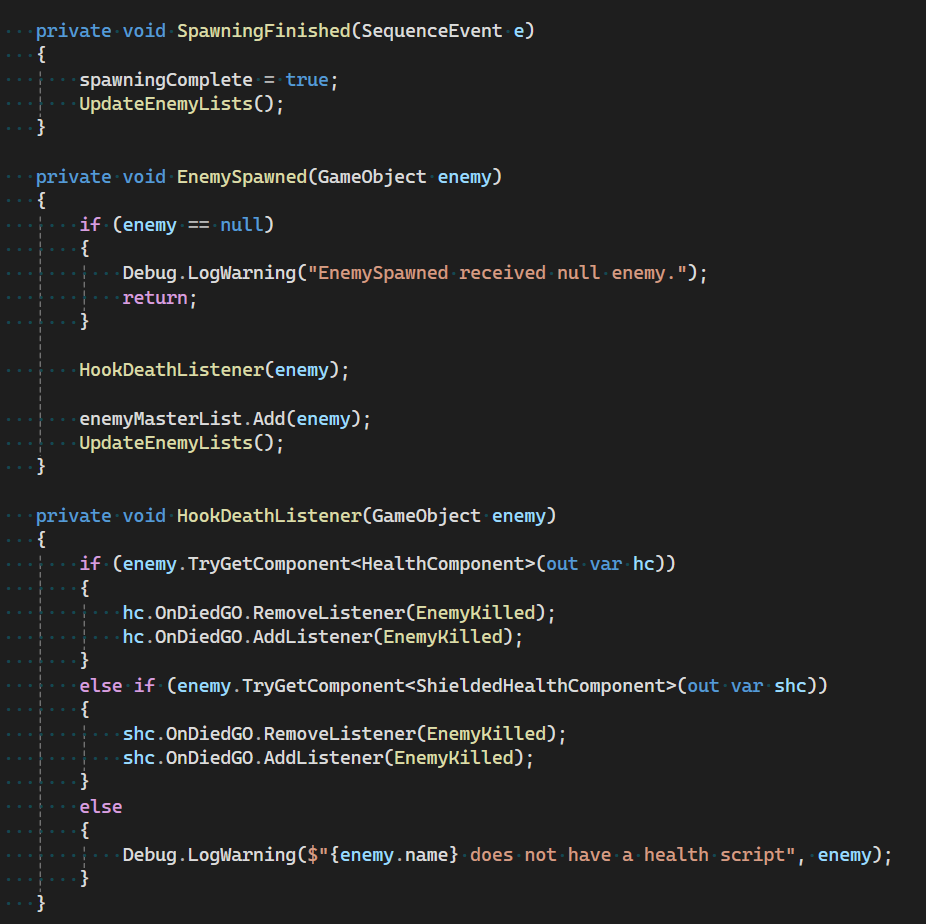
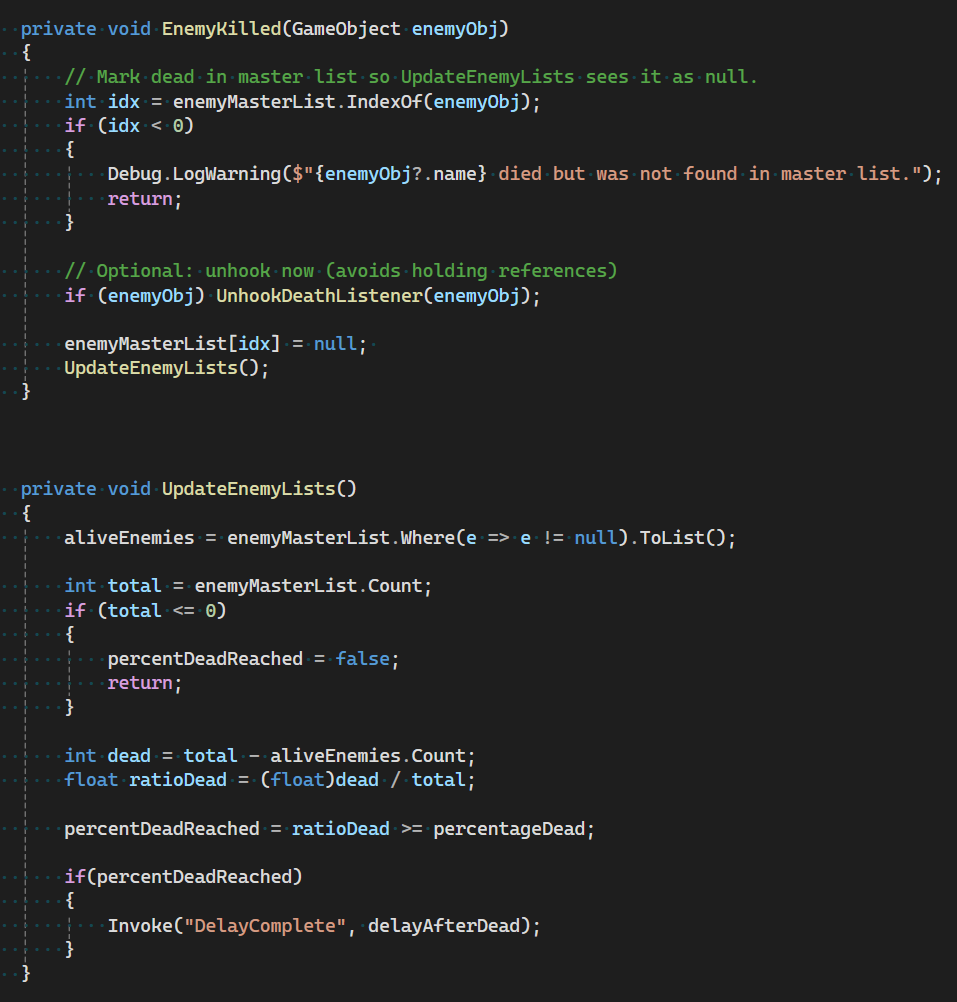
This is the “If” statement of the sequencer. Each EventCondition is responsible for checking a specific condition and returning a boolean to the EventTrigger. While these scripts are extremely simple, they are fundamental to the functioning of the EventSequencer. Some examples of EventConditions in current use are:
OnFarAway
OnNearby
OnLookAway
OnEventEnded
OnEnemiesDead
OnAreaEntered
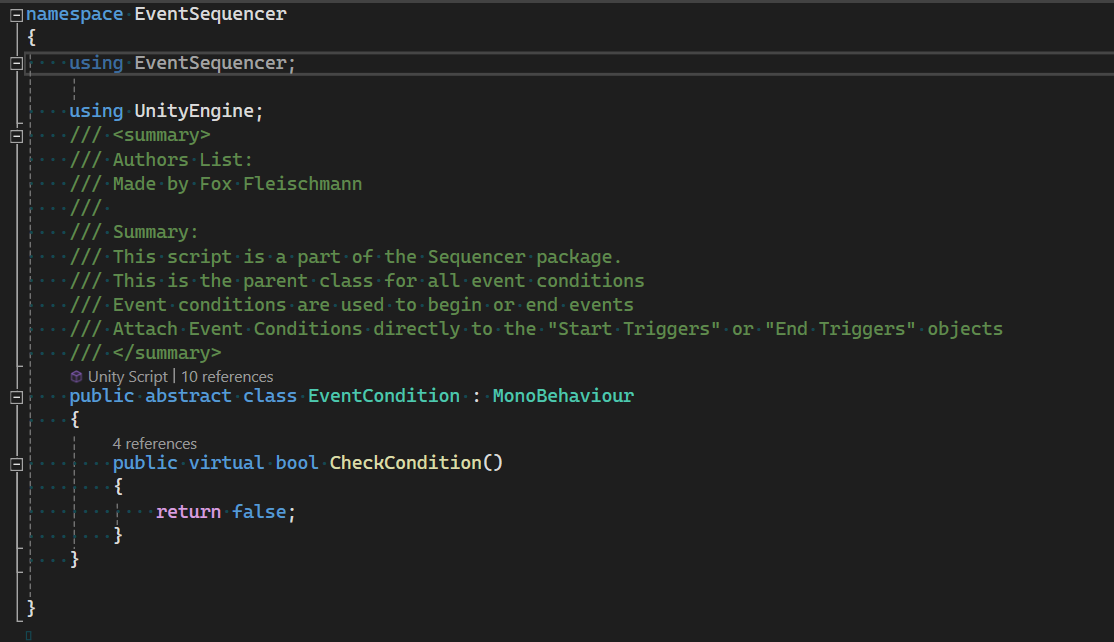
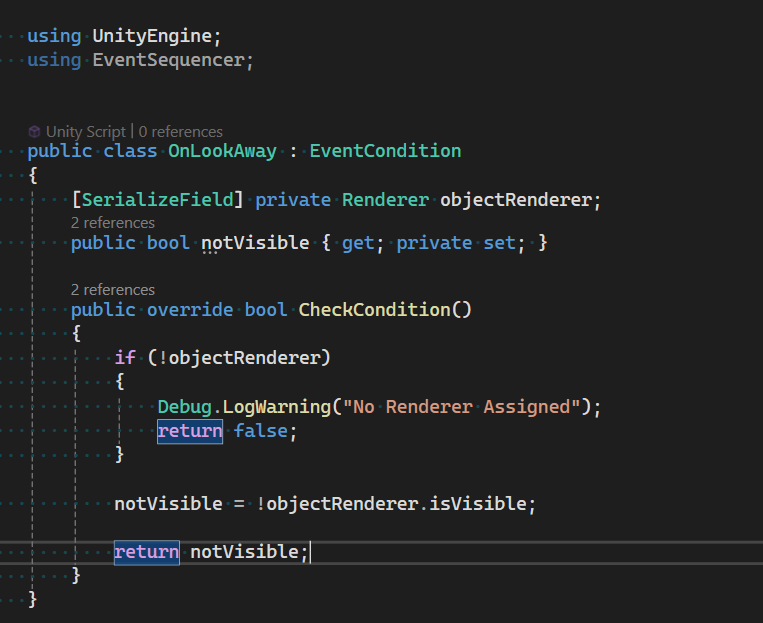
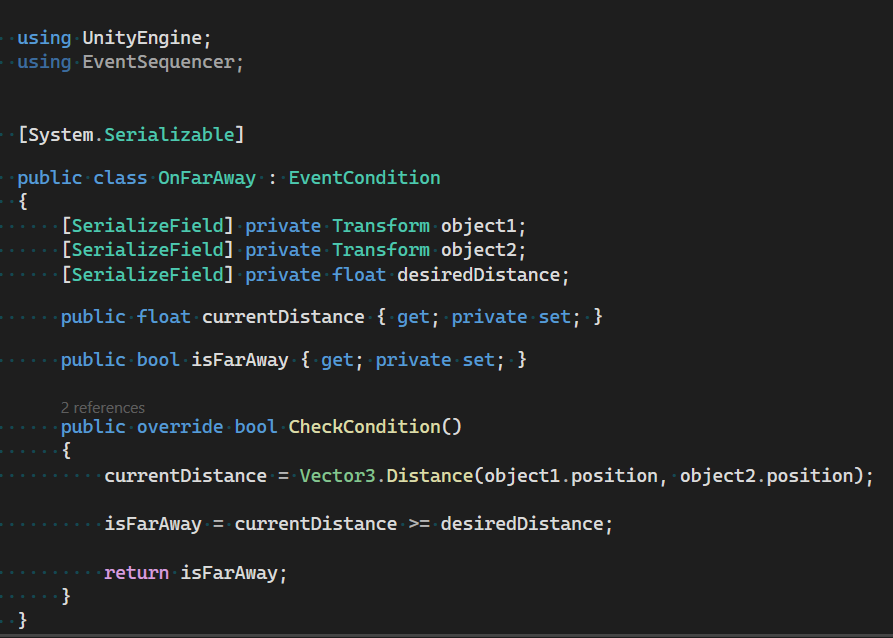
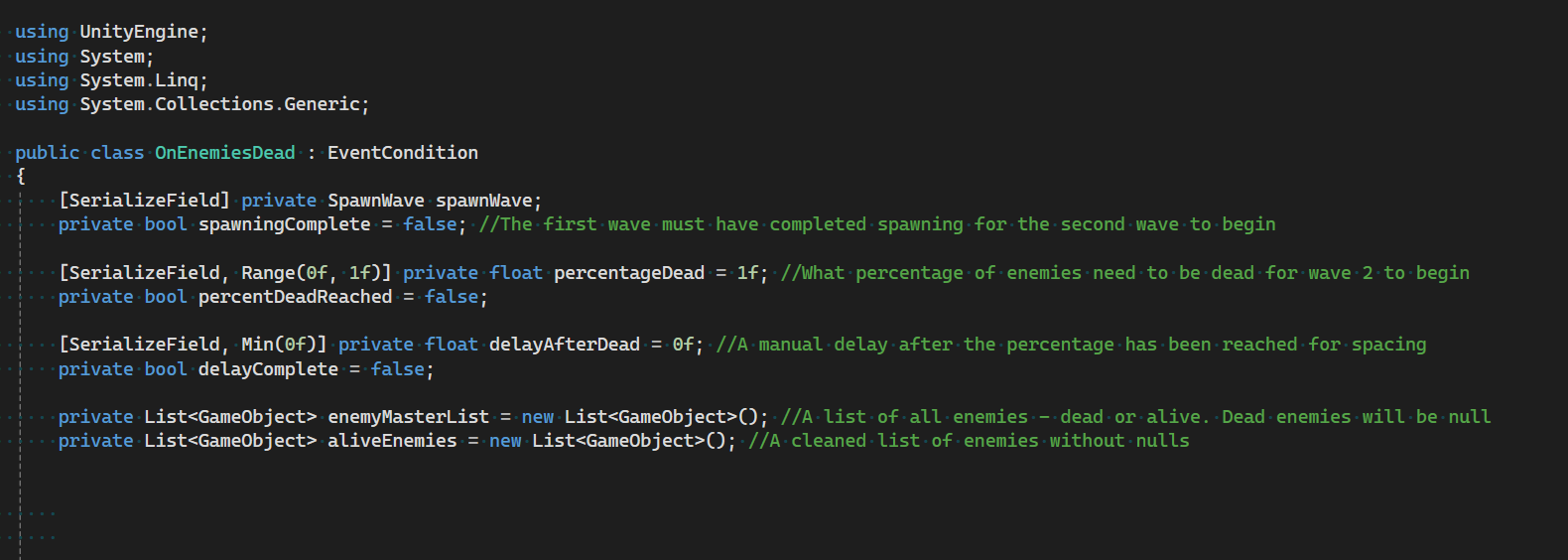
SequenceEvent
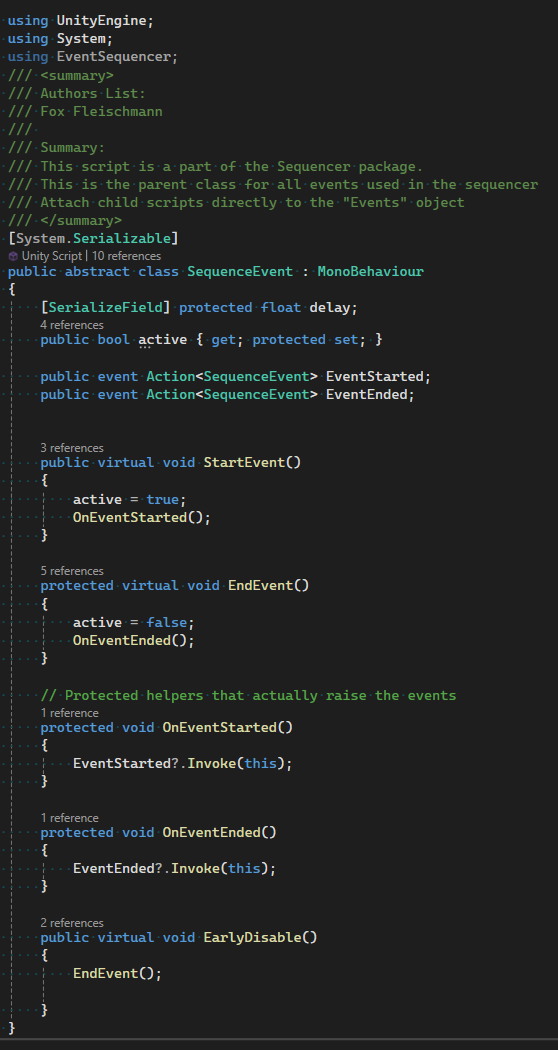
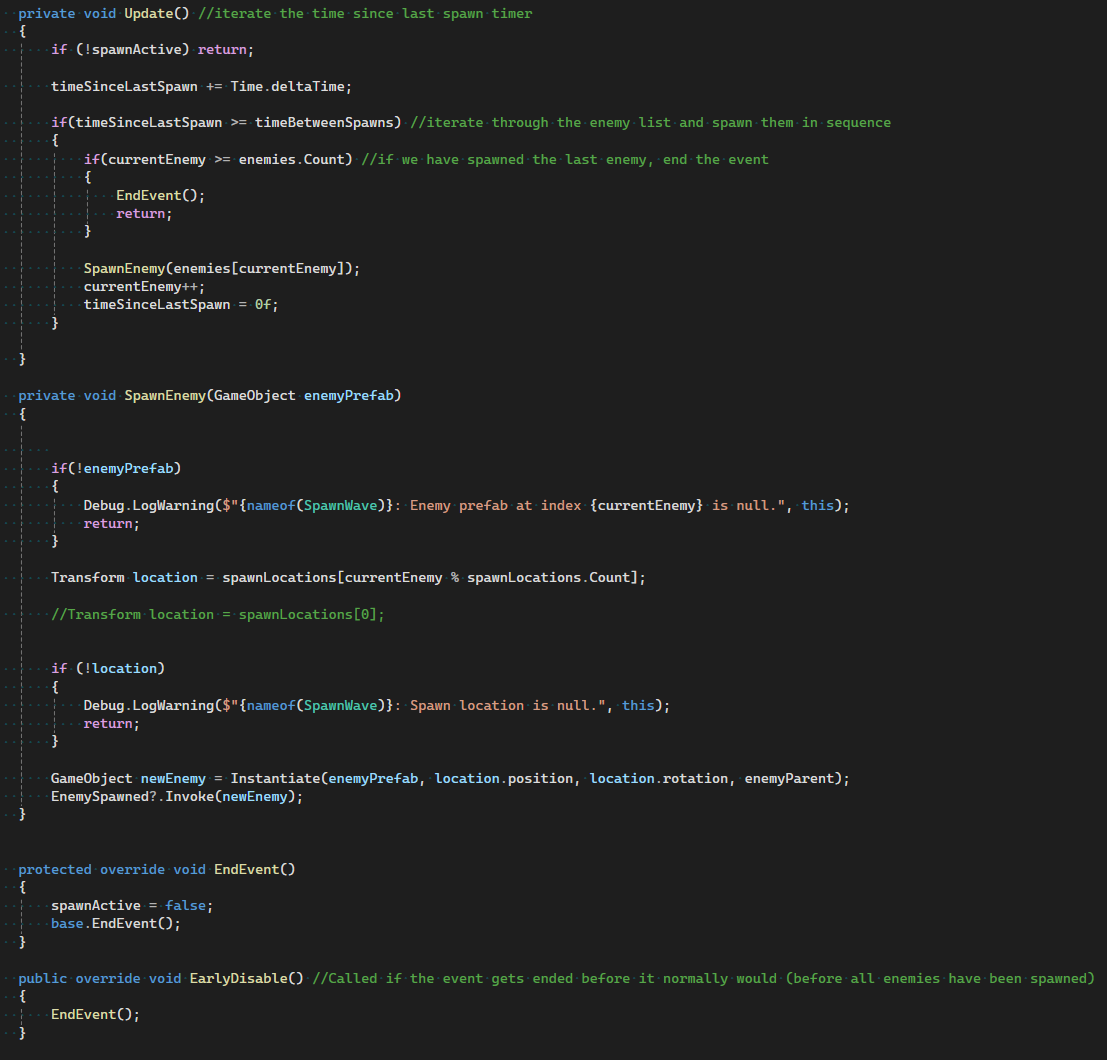
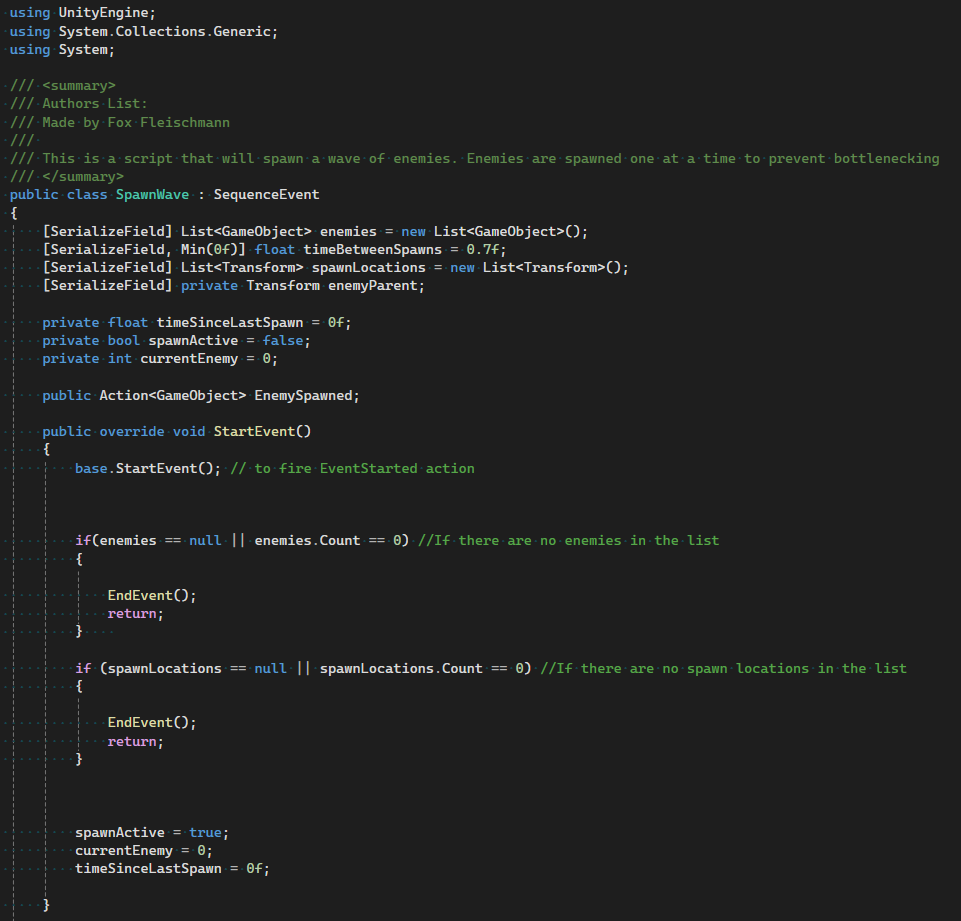
The whole reason the EventSequencer exists, SequenceEvents are the “Then” of the “If-Then Statement” where we execute our operations. Some examples of SequenceEvents are:
DeactivateObjects
SpawnWave
PlayAnimation
PlayVFX
MoveObjects
DebugEvent (For Testing/Debugging)

EnableSequence
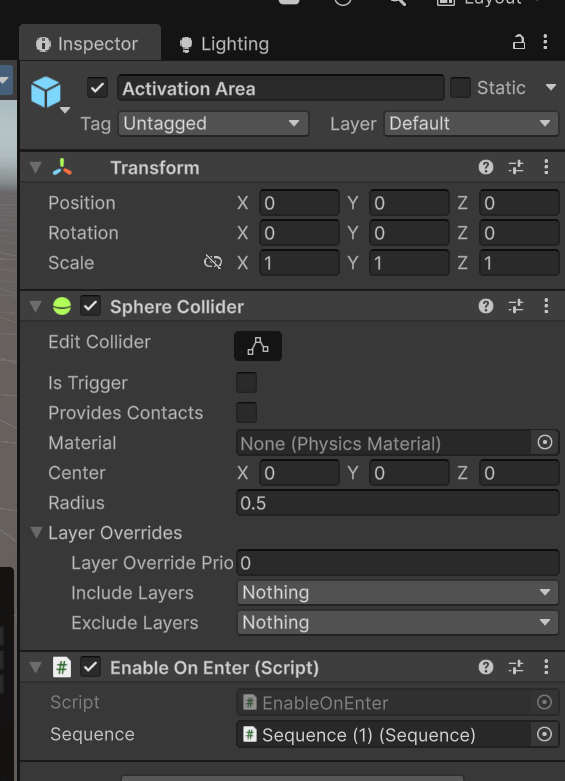
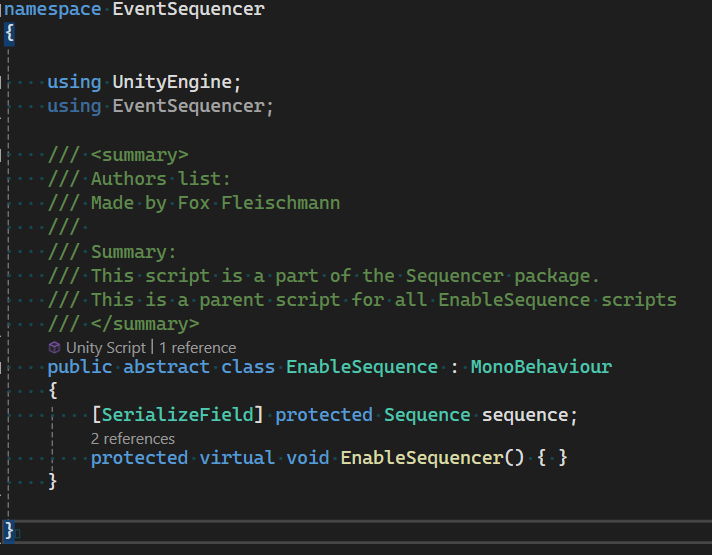
The EnableSequence class is the parent class for any script that might begin the functioning of a Sequence. This is to ensure that the Sequence only operates when instructed, and does not waste processing power. An EnableSequence is required for a sequencer to begin functioning. It is reccomended to attach this to a seperate child object, such as in the given prefab.
Examples of EnableSequence:
EnableOnEnter
EnableOnStart
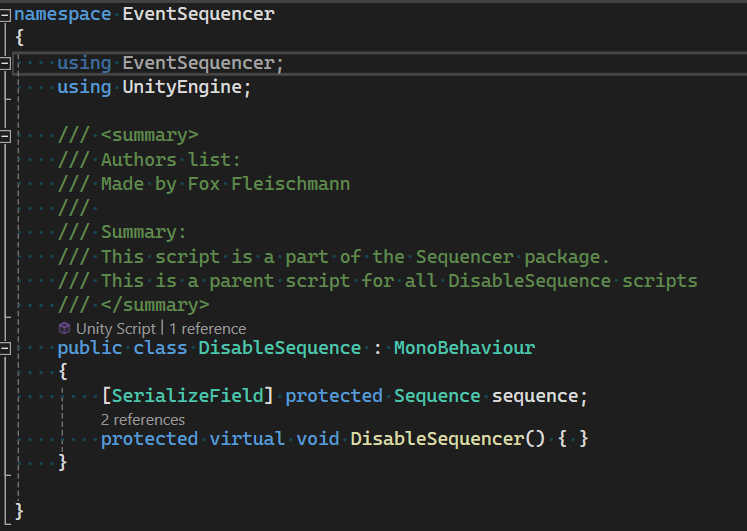
DisableSequence
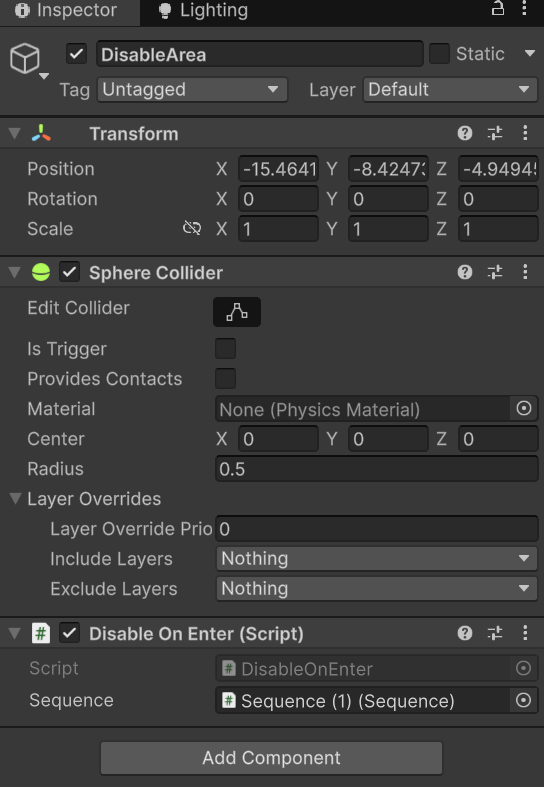
The mirror image of EnableSequence, DisableSequence is in charge of making sure the sequence stops running when instructed. While not required, it is reccommended to include a DisableSequence to make sure the sequence does not continue operating indefinitely.
Root Storage
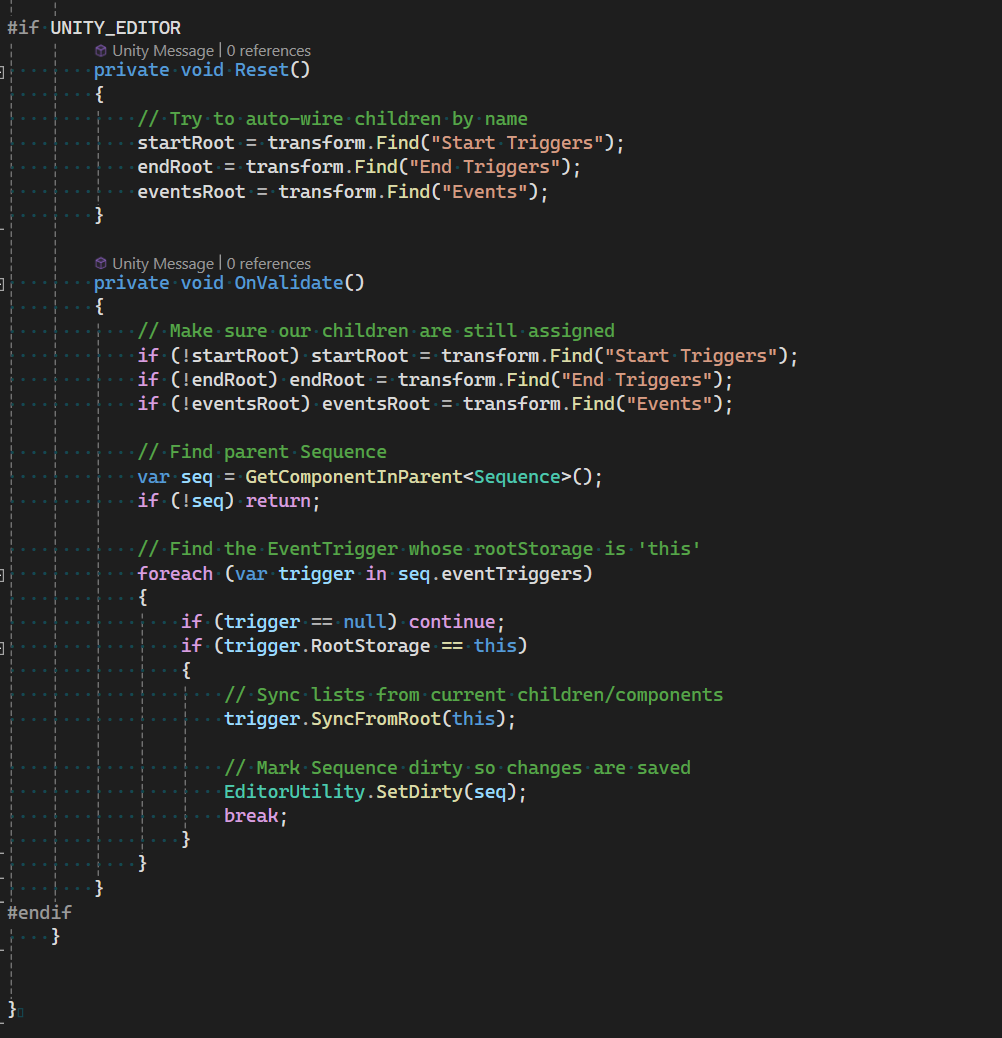
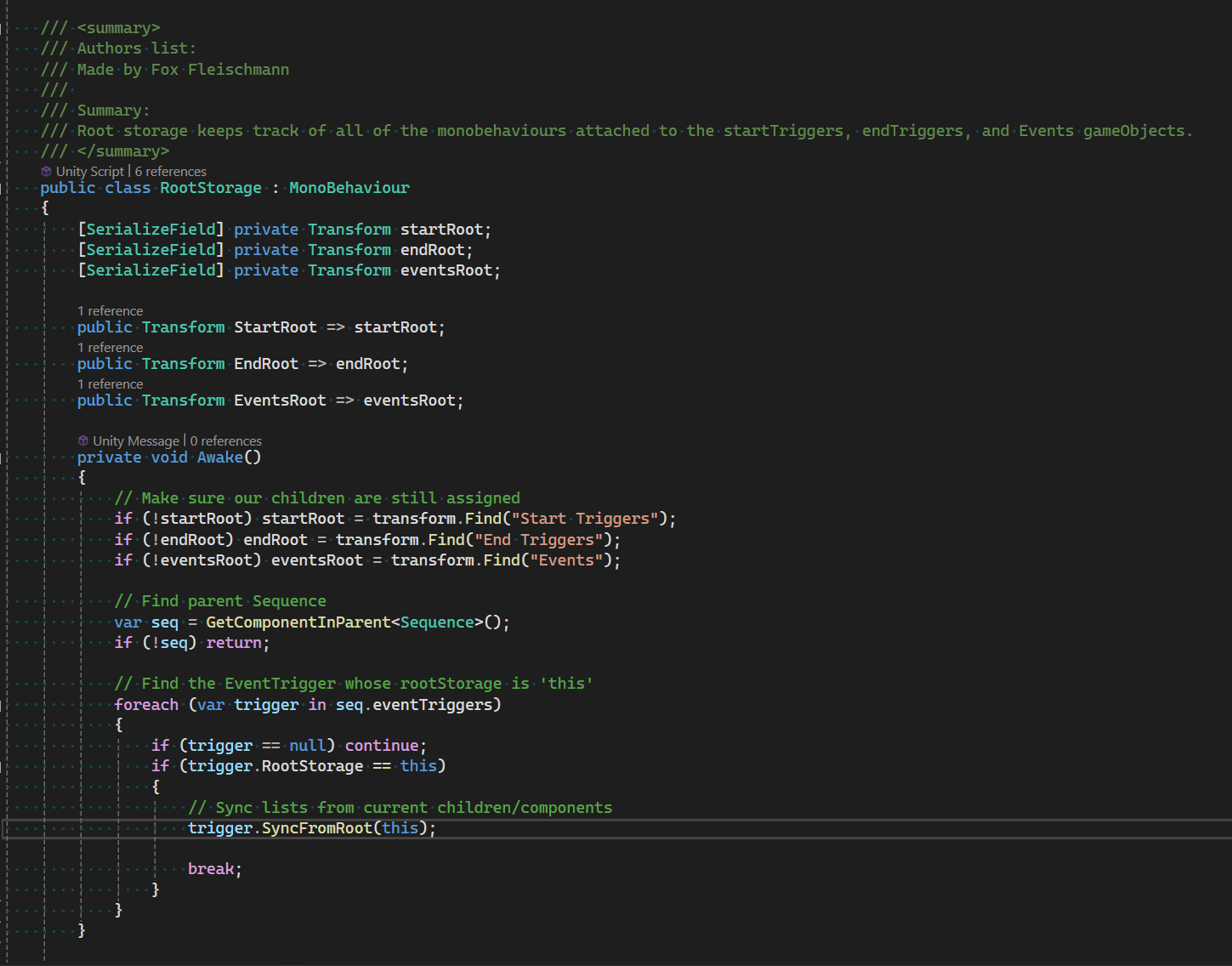
Attached to each event trigger object is the RootStorage script. This is a simple script in charge of keeping a reference to the StartTriggers, EndTriggers, and Events for the EventTrigger script.
Important: If the values are unassigned in the heirarchy, this is ok! The script will find the appropriate references itself. Those values are exposed so the objects can be found easily.